How to use Droobex
Step-by-step guides with real screenshots for the Droobex Driver and Shipper apps. Pick your app and follow along.
For drivers
Register, get verified, win shipments and get paid.


 01
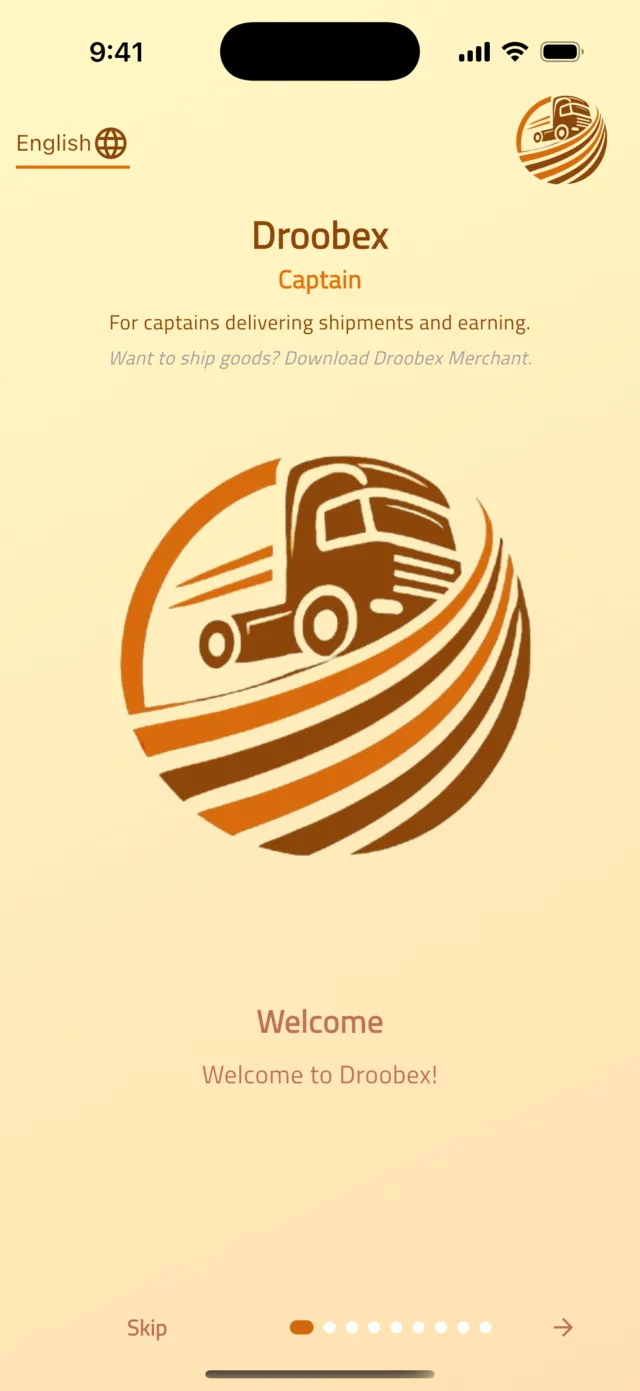
01Register and get verified as a driver
Create your account with WhatsApp, upload your documents and vehicle photos, and get approved so shippers trust your bids.
10 min9 stepsOpen guide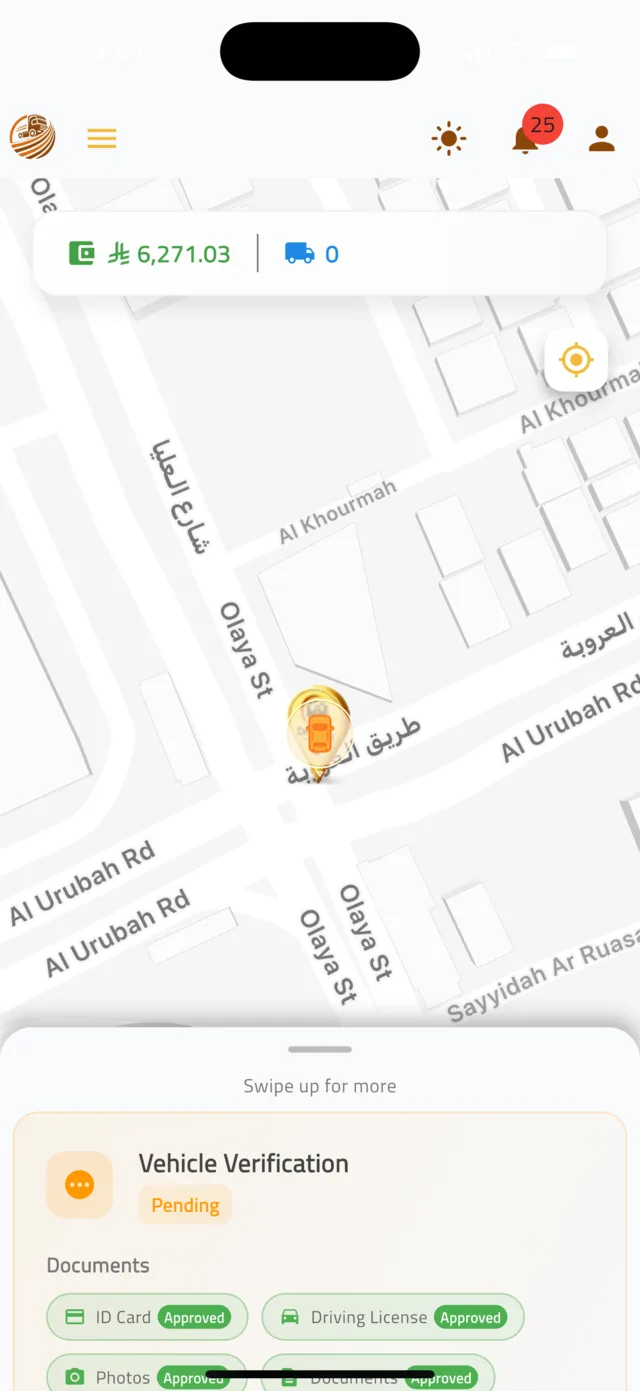 02
02Find shipments and place a bid
Browse shipments near you, check the details, and win the job with a competitive bid.
3 min5 stepsOpen guide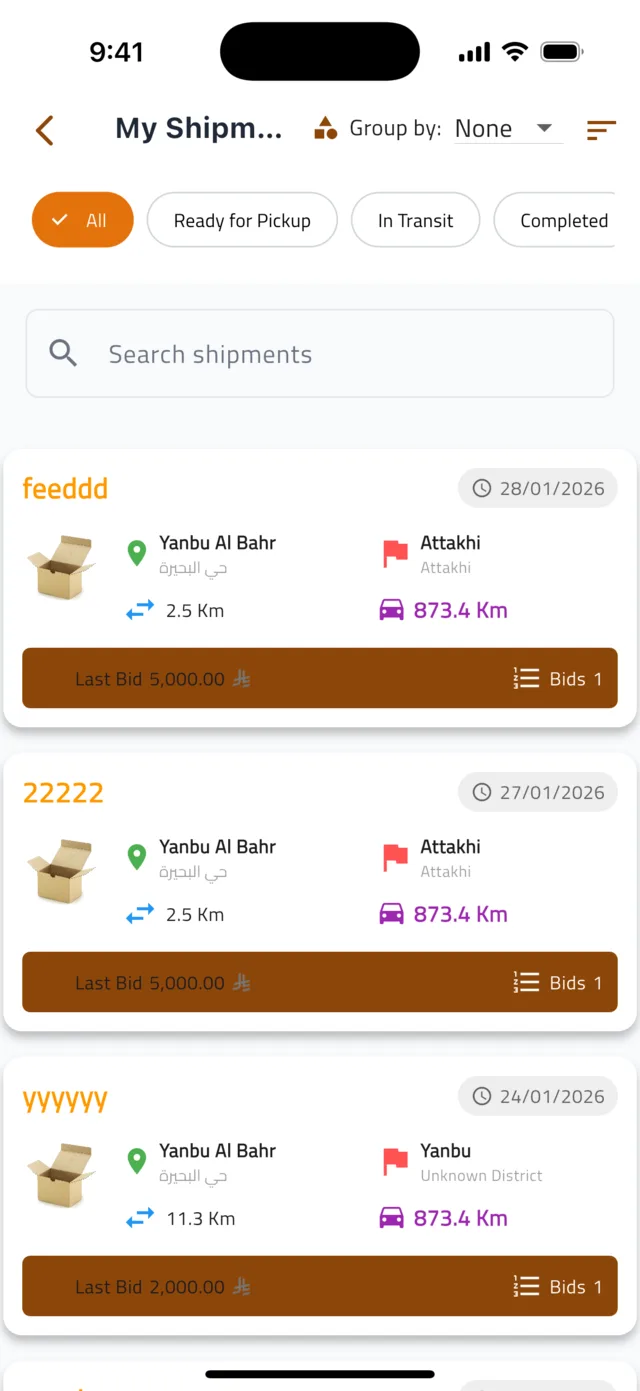 03
03Pick up and deliver a shipment
From the moment your bid is paid to the moment the shipper confirms delivery — every status you need to update.
3 min5 stepsOpen guide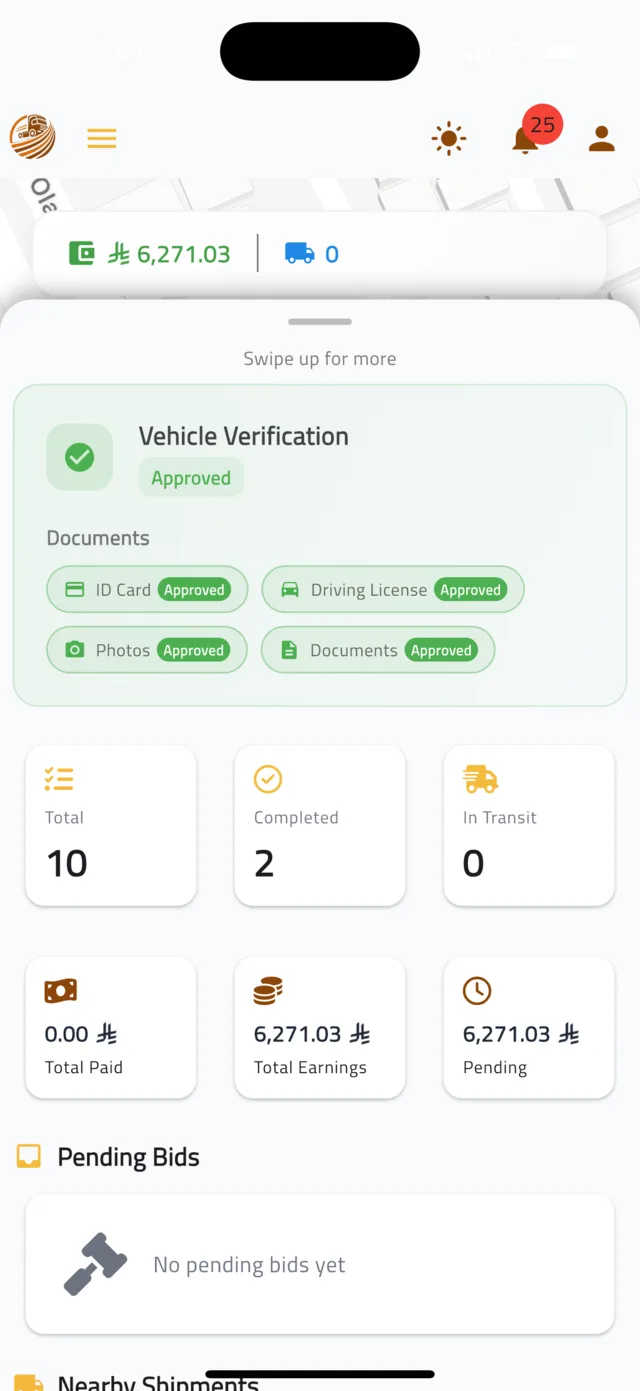 04
04Earnings, payouts and reviews
Where to see what you have earned, what is still pending, and how shippers rated you.
2 min4 stepsOpen guide
For shippers
Post a shipment, pick the best bid and track it to your door.
 01
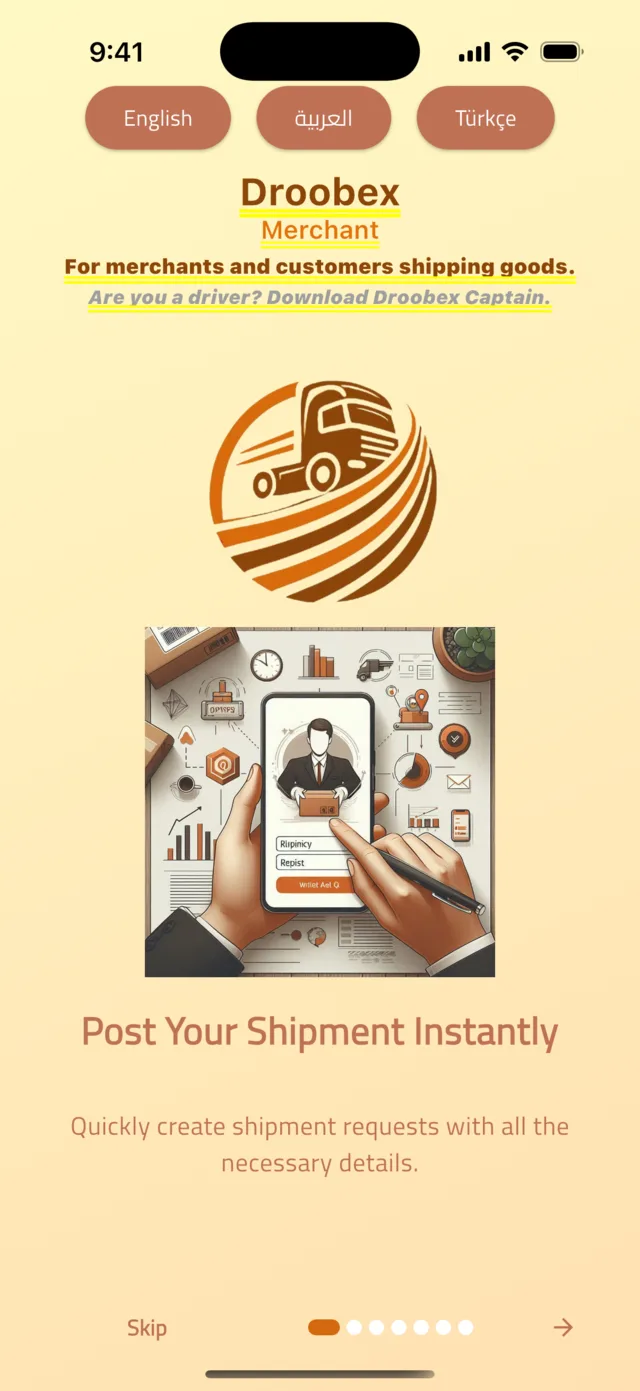
01Create your shipper account
Sign up in under two minutes with your name, email and WhatsApp number — no password needed.
2 min4 stepsOpen guide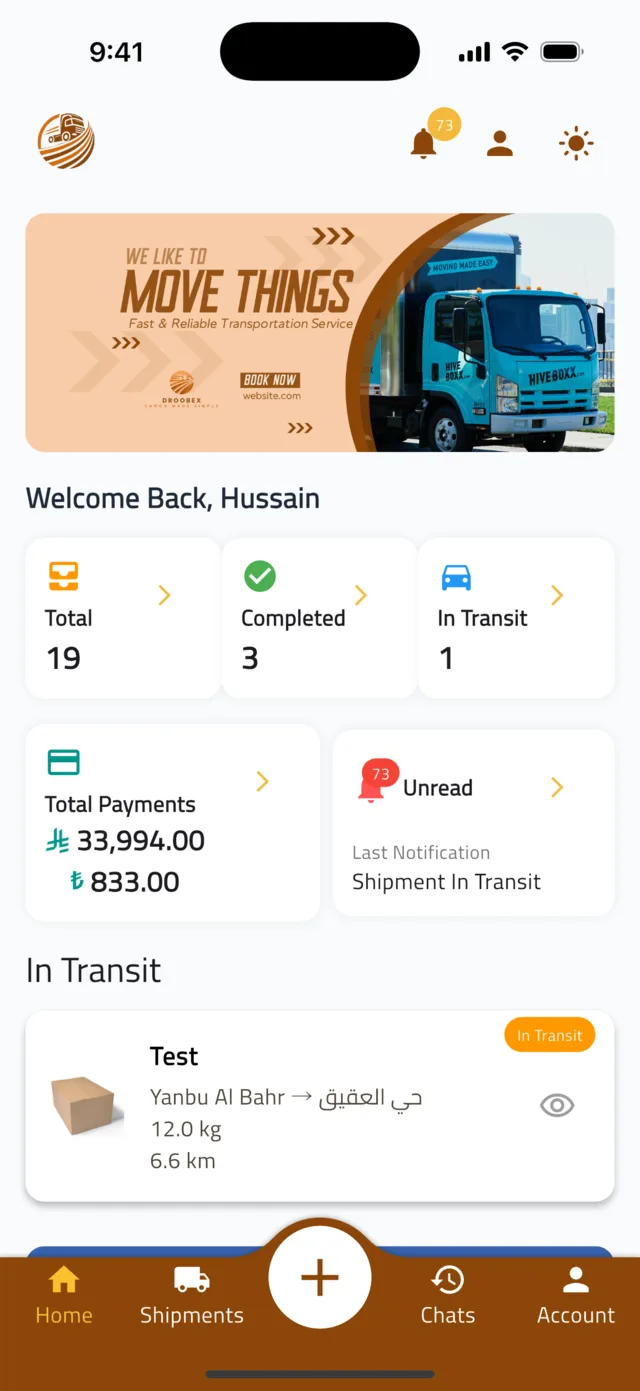 02
02Post a shipment
Describe what you are sending, set the pickup and delivery points, add photos and publish it so drivers can start bidding.
4 min7 stepsOpen guide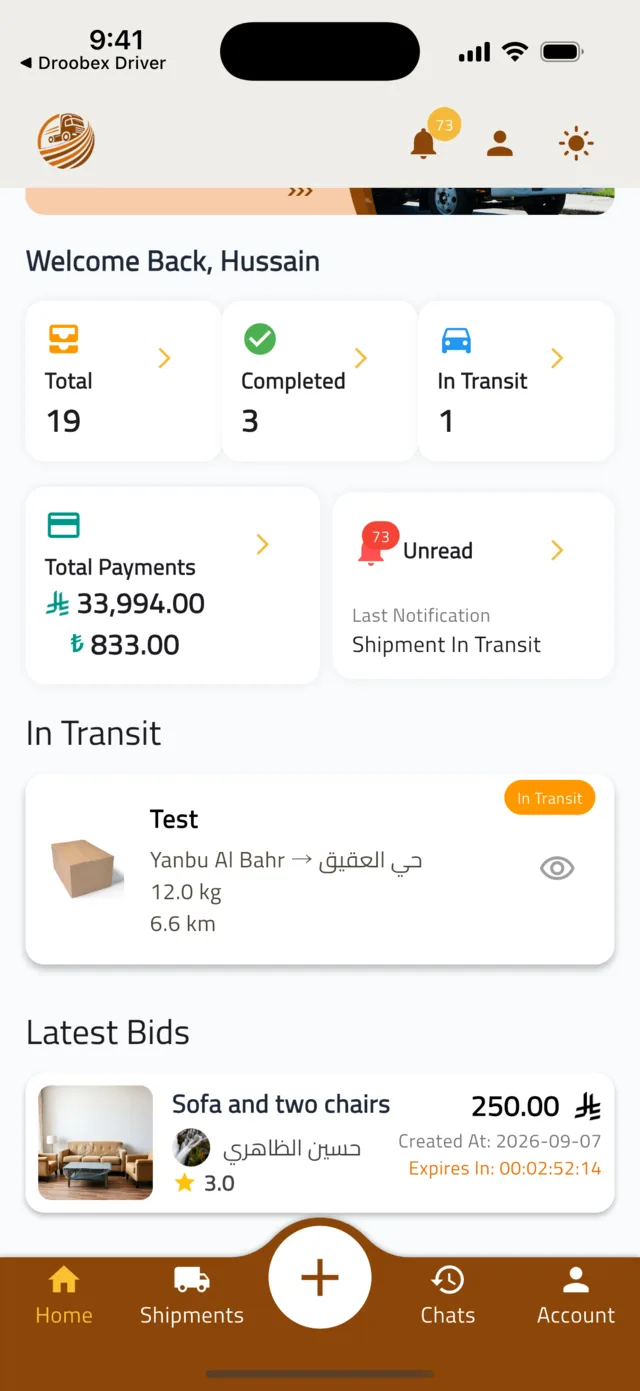 03
03Compare bids and choose a driver
See which drivers are offering to carry your shipment, check their profile and reviews, approve the best bid and pay securely.
3 min4 stepsOpen guide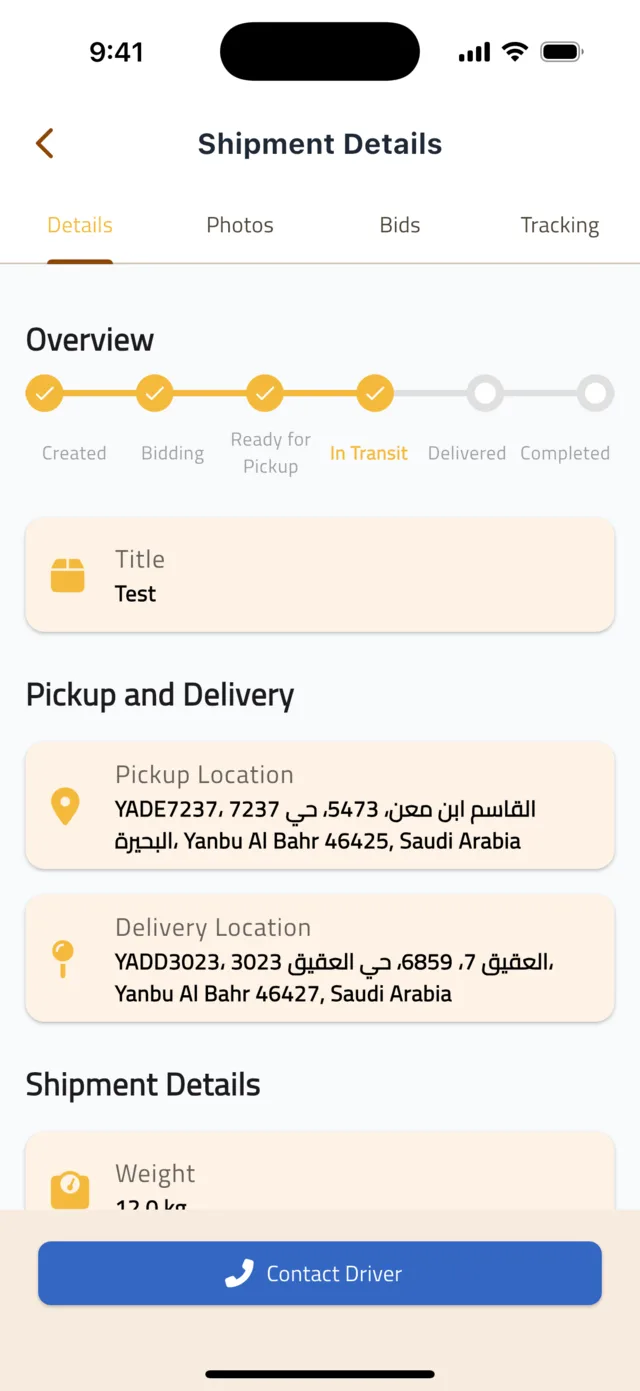 04
04Track your shipment, confirm delivery and rate the driver
Follow the status, chat with the driver, watch them on the map, confirm you received the goods, leave a review and find your payment history.
3 min6 stepsOpen guide